Presentations
Write slides in Markdown. Present anywhere.
Type your talk as plain text, pick a layout per slide, and share a link that opens as a polished presentation in any browser — with speaker notes and code highlighting.
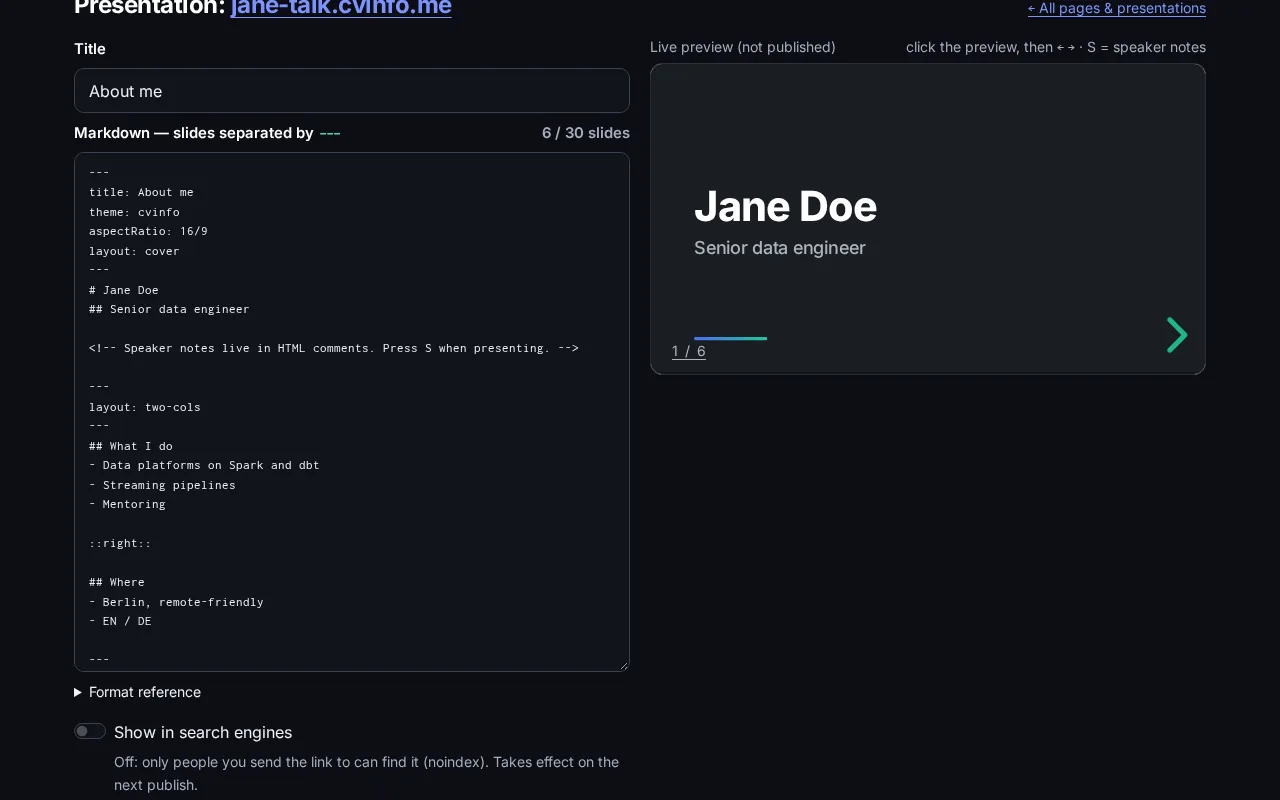
The editor is a text box
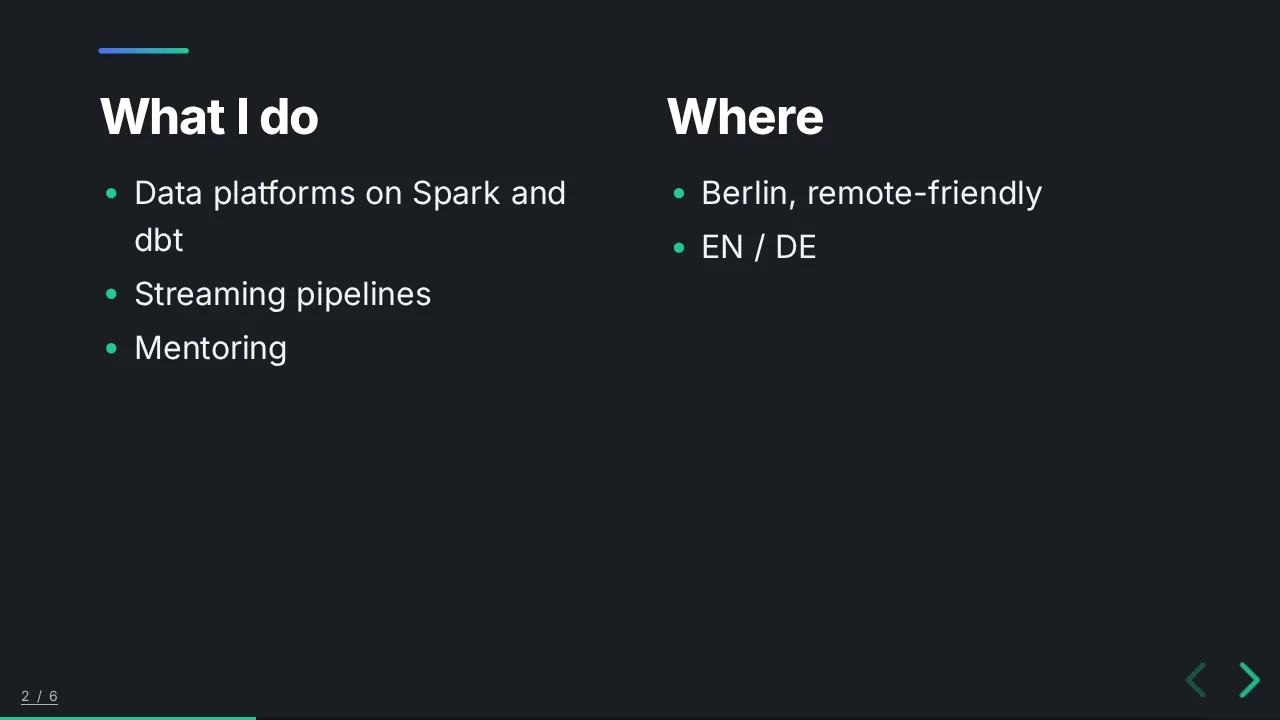
Separate slides with three dashes. Choose a layout with one line. See the result live next to your text.
- 9 layouts: cover, two columns, image left/right, quote, section, end…
- 4 themes, colour and gradient backgrounds, full-bleed images
- Speaker notes and a presenter view (press S)
- Syntax-highlighted code blocks for technical talks
- Errors point to the exact line — nothing is charged for a broken deck
Made for the moments that matter
Interview case studies
Walk the panel through a project you're proud of — from any laptop, no files to send.
Portfolio talks
Keep a short deck about your work next to your link page and CV.
Built with the AI assistant
Describe your talk or attach your CV — the assistant drafts the slides, checks them and publishes them when you say so.
Presentation questions
Is the format compatible with Slidev or Marp?
It follows the same ideas — slides separated by ---, per-slide front matter, layouts by name — so most simple Slidev decks work with small changes.
Can I present offline?
The presentation runs in the browser from your link. You need an internet connection to open it.
Why 30 slides?
Because good interview and portfolio talks are short. It keeps decks focused and fast to load.
Your next application deserves more than a PDF.
Create a video link, a link page or a presentation in minutes. Pay only for what you create.