Pages
Your own website at yourname.cvinfo.me.
One HTML file with your own CSS and JavaScript. Start from a theme or a blank page, edit it by hand, or let the AI assistant write it for you.
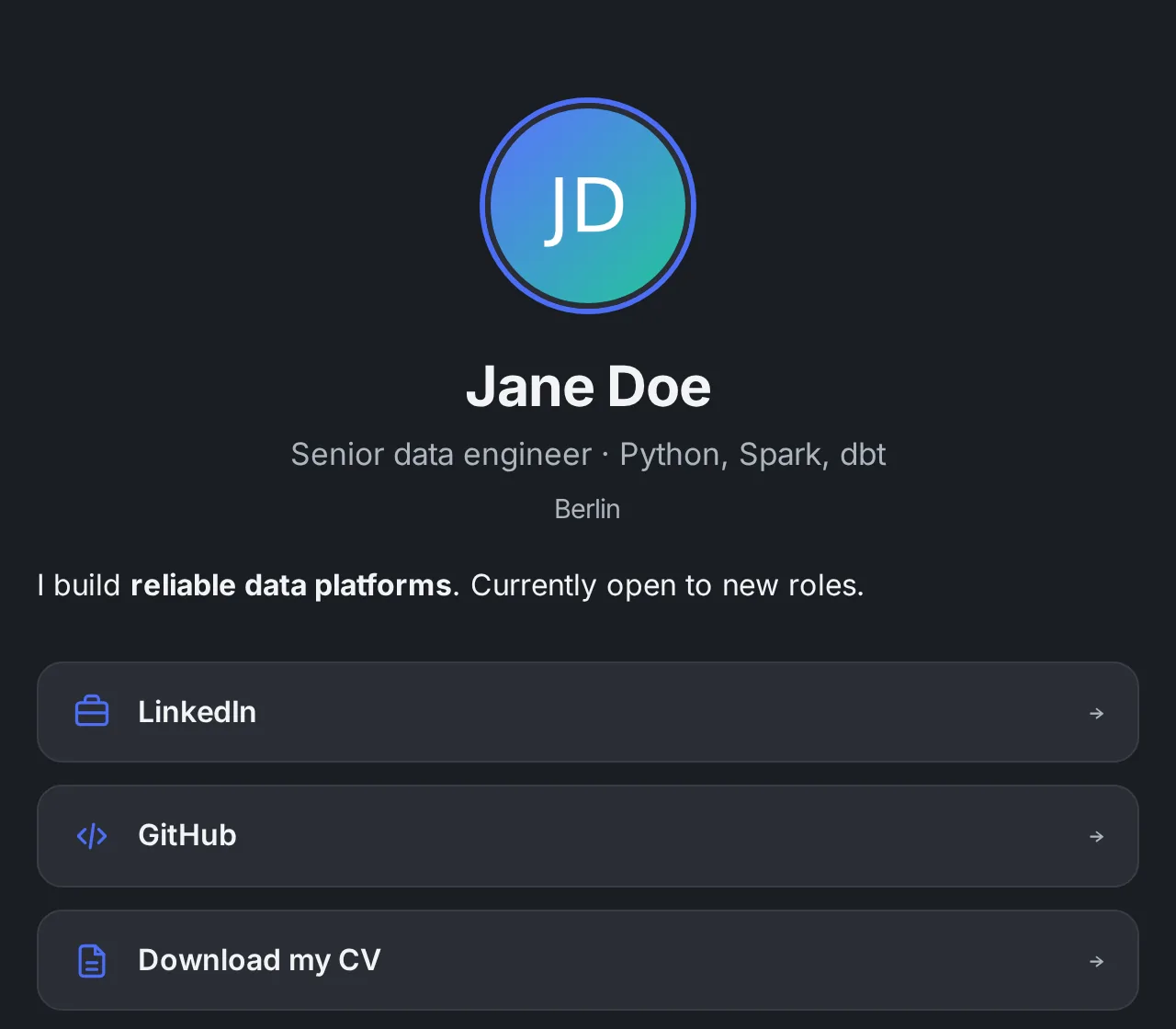
Three ways to start
From a theme
Pick one of four starters — cvinfo, midnight, light or sunset. You get a complete, editable HTML page that already looks good on phones.
From a blank file
Write or paste your own HTML. CSS and JavaScript are allowed — animations, interactive timelines, whatever you like.
With the AI assistant
Describe what you want or attach your CV. The assistant writes the page and publishes it only when you say so.
Built-in blocks, anywhere in your HTML
Drop a tag where you want it and set it up in the “Page features” panel next to the editor. Each block comes with light default styling that you can restyle completely with CSS.
- Intro video: a video from your own library, streamed from cvinfo.me with a poster frame and optional caption
- References: name, role, company, contact and a quote — optionally unlocked only after a visitor enters a work e-mail, and you get notified
- E-mail link: a bot-resistant link to the contact address you set, with your own label
<h1>Jane Doe</h1>
<p>Senior data engineer, Berlin</p>
<img src="upload:3f9a1c2b7d4e8f60" alt="Jane">

<cvinfo-video></cvinfo-video>
<cvinfo-references></cvinfo-references>
<cvinfo-email subject="Hello Jane">Email me</cvinfo-email>

<!-- your own CSS and JavaScript welcome -->
Built like a real website
- Your own address: yourname.cvinfo.me with HTTPS
- Live preview while you edit, publish when you're happy
- Version history with one-click rollback
- Photos and logos from your image library, AI-checked before they go live
- Privacy-friendly analytics: views, visitors, time on page, referrers
- Tracked links per application show which company visited
- Hidden from search engines unless you switch indexing on
Questions about pages
Do I need to know HTML?
No. Start from a theme and change the text, or ask the AI assistant to write or change the page for you. If you do know HTML, nothing holds you back.
Can I use JavaScript?
Yes. Inline scripts and scripts from a CDN work on the published page. The editor preview runs inline scripts only.
Can recruiters see my references?
If you add the references block, yes. With the e-mail gate switched on they first enter a work e-mail; you get an e-mail and see the unlock in the tracker on your dashboard.
Can I change the address later?
The address is fixed once created, but you can edit everything on the page as often as you like for free.
Will my page show up on Google?
Only if you switch on “Show in search engines” for that page. Otherwise it is only reachable by people you send the link to.
Your next application deserves more than a PDF.
Create a video link, a page or a presentation in minutes. Pay only for what you create.